
United Kingdom · Bank statement
CSV, Excel & QBO on every plan
Same statement, same result
Cloud files deleted within 24 hours
Try the desktop app free, unlimited on paid plans
Try 5 pages free, no account needed.

current-account-statement-may.pdf
Page 2 of 4
Date
Description
Money out
Money in
03 May
Faster payment, Invoice 1042
1,250.00
06 May
Direct debit, Office rent
850.00
09 May
42.60
3 transactions ready to download
2026-05-03,"Faster payment, Invoice 1042",,1250.00 2026-05-06,"Direct debit, Office rent",850.00, 2026-05-09,"Card payment, Stationery",42.60,
The Problem
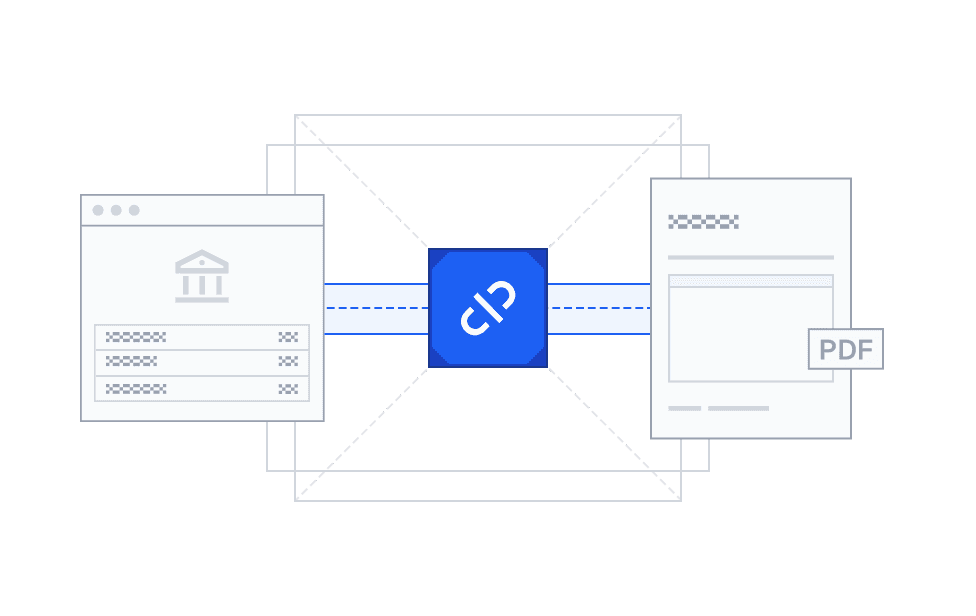
The Feed Breaks, or Misses Things
You're closing a client on Friday and the bank feed stops syncing, or it drops a transaction that posted later at a different amount. The PDF statement is the actual record. The feed is only an approximation.
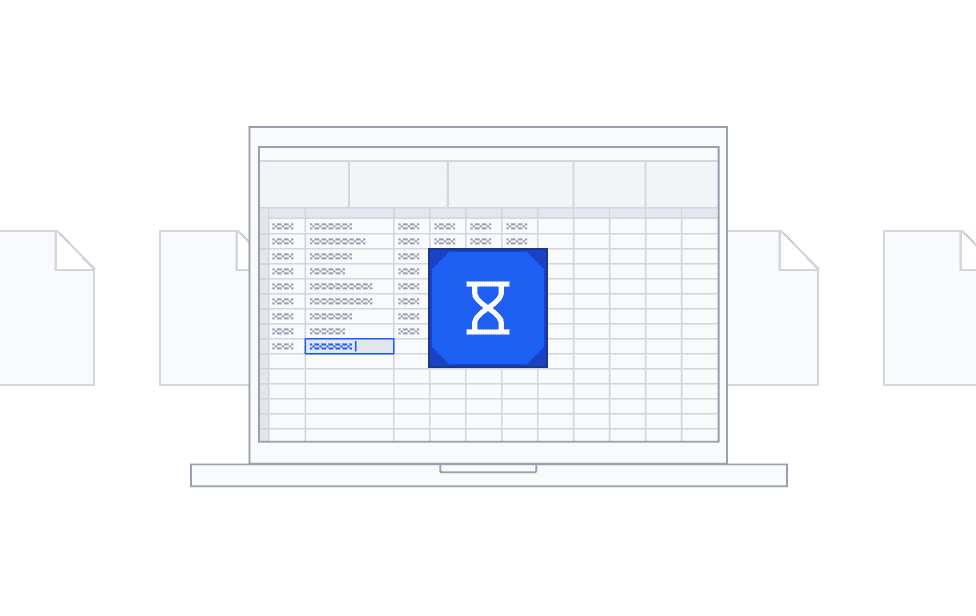
Still Typing Transactions by Hand?
A new client hands over a year of PDF statements and you start re-keying them into a spreadsheet. It takes hours, and one wrong digit throws off the whole reconciliation. Most tools that fix this ask you to upload client data to someone else's servers, with no say in how long it stays there.

Your clients' data stays where it belongs

Desktop processing on your own computer
Try the Windows desktop app on 5 pages free, with no account. On every paid plan it's unlimited, statements are processed on your own computer, and you pick desktop or cloud for each job

Encrypted cloud conversion
Files are encrypted on upload and deleted automatically within 24 hours. Nothing is kept after that.

Same statement, same result
Your data is processed without AI, so the same statement always produces the same output. Nothing is sent to a model for training.
How it works
Convert a UK bank statement in three steps
Docubrew turns a PDF statement from your bank into clean, importable data.

Upload your PDF Statement
Drag in a single monthly statement, or batch several at once.

Select the Pages You Need (Optional)
Preview every page and pick only the ones with transactions. Skip cover pages, disclosures, and summaries.

Download CSV, Excel, or QBO.
Amounts keep the column layout your statement uses, and wrapped descriptions are put back together. Check the rows in the preview before anything reaches your books.
UK Banks
UK banks we support
UK banks each lay out their statements differently. Here's how Docubrew handles a few of them.


Don't see your bank? Check the result with your own statement for free: 5 pages with no account, or 7 cloud pages a day with a free account. If a statement converts wrong, we'll convert it for you for free.
Output
What you get: clean CSV, Excel, or QBO
Docubrew exports your transactions as a CSV or Excel file with one row per transaction, or as a QBO file for QuickBooks. Each row carries the fields you reconcile against:
Transaction date
Description / payee (put back together when it wraps)
Amount (in the same column layout as your statement)
Running / ending balance
Cheque number (when present)
Account number and statement period

Import it where you keep the books
Xero: Upload the CSV with Import a Statement and match its columns to Xero's fields.
QuickBooks Online: Upload the QBO file from Bank transactions. It's the file type Intuit suggests for uploads.
Sage Accounting: Import the CSV or Excel file through Sage's bank statement import. The columns already match Sage's template.
Or open the CSV or Excel file in Excel or Google Sheets. Every export is a file you import, not a live connection, so you decide what goes into the books. Every format is included on every plan.
Who it's for
Built for the people who live in bank statements
Wherever PDF statements pile up, Docubrew turns them into sortable data.



Pricing
Start free, pay when you need more


FAQ
Answers to your questions
Can I use it to catch up on Making Tax Digital records?
Docubrew isn't Making Tax Digital software, and it doesn't send anything to HMRC. It turns PDF bank statements into CSV, Excel, or QBO files, so you can import the transactions into the accounting software you keep your records in, instead of typing them in. Check the rows before you rely on them.
How is Docubrew different from other bank statement converters?
Many converters are cloud-only, and some use AI to read your statements. Docubrew processes your data without AI, so the same statement always gives the same result, and on every paid plan you choose desktop or encrypted cloud for each job.
How much does it cost? Is there a free trial?
There's no time-limited trial. Instead you can convert 5 pages free without an account, or create a free account for 7 cloud pages a day. Every paid plan includes the desktop app with unlimited desktop conversions. Starter includes 240 cloud pages a month and Pro includes 600. Plans are month to month. See pricing for current prices.
Do you convert credit card statements?
Not yet. Docubrew handles deposit-account statements, meaning current and savings accounts. If you need credit card support, email support@docubrew.com so we can gauge demand.
Can it convert scanned statements?
Not yet. Docubrew processes text-layer (native digital) PDFs, the kind you download from online banking. Scanned and image-based PDF support is on the roadmap. If that's blocking you, email support@docubrew.com and we'll tell you when it ships.
What if a statement converts wrong?
Every conversion ends with a preview, so you can check the rows before anything reaches your books. If a statement still converts wrong, we'll convert it for you for free.
Is it safe to convert client bank statements here?
With the cloud option, every file is encrypted on upload and deleted automatically within 24 hours. You can also try the Windows desktop app on 5 pages free, with no account. On every paid plan it's unlimited, and statements are processed on your own computer, so nothing is uploaded at all.
Does it work with Xero, QuickBooks, and Sage?
Yes, through file import. Each one has a bank statement import that takes a file type Docubrew exports, and for QuickBooks you use the QBO file. It's a file you import, not a live connection, so you decide what goes into the books.
Which UK banks does Docubrew support?
Docubrew supports many UK banks, with detailed guides for Barclays, HSBC, Lloyds, NatWest, and Santander. See the bank directory for the guides. You can check the result with your own statement for free: 5 pages with no account, or 7 cloud pages a day with a free account. If a statement converts wrong, we'll convert it for you for free.
How do I convert a UK bank statement to CSV or Excel?
Upload the PDF statement to Docubrew, let it extract every transaction, and download the result as CSV, Excel, or a QBO file for QuickBooks. You can check the rows in a preview before you download.

Banks in other countries
Docubrew currently supports banks in the US, the UK, and Australia. If you need a bank somewhere else, email support@docubrew.com and tell us which one.
