Convert PDF bank statements into Excel, CSV and QBO. You choose where it runs
Docubrew is a desktop and cloud bank statement converter. Run it on your computer, or use the encrypted cloud where files auto-delete in 24 hours.
The Problem
Bookkeepers still lose hours to unstable bank feeds and PDFs that need typing by hand.
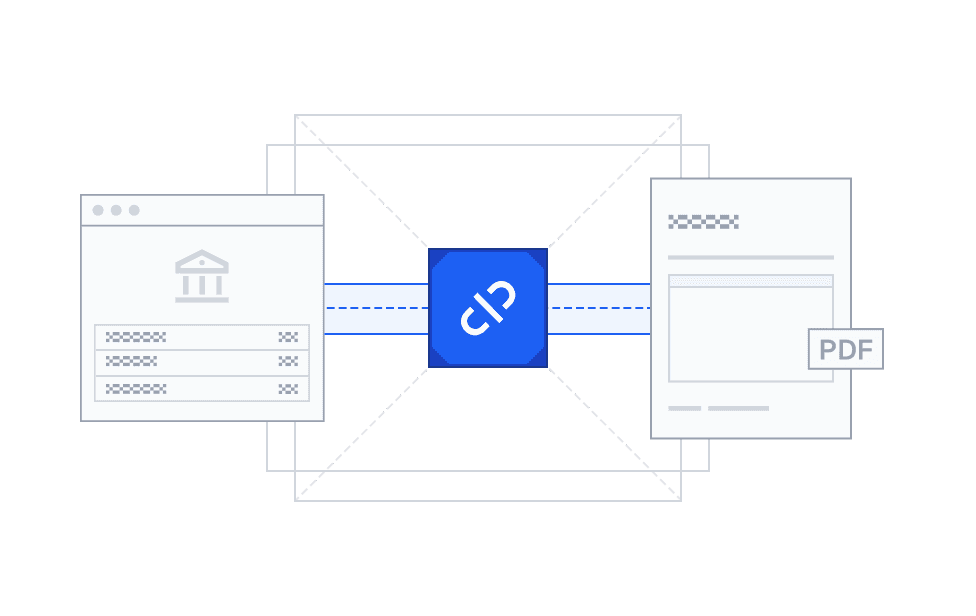
When the Bank Feed Breaks. Or Misses Things.
It happens every few months. You're closing out a client on Friday and the Chase feed stops syncing, or BofA wants the connection re-authorized. The PDF is in the client portal, but getting transactions out of it means more copy-paste.
Even when feeds work, they miss things. A pending transaction that never posts. A tip that posts days later at a different amount. The PDF is the actual record. The feed is just an approximation.
Still Copying Transactions by Hand?
A client sends over their statements as PDFs. You open each one and start typing transactions into a spreadsheet. It takes hours, and one missed digit can throw off the whole reconciliation.
Tools exists, but most ask you to upload sensitive client data to someone else's servers. You need something that works fast without asking you to compromise on where your clients' data ends up.
How it works



Feature
Built for Accountants Who Care About Accuracy and Privacy


Trust & Security
Your Clients' Data Stays Where It Belongs: With You

Local Desktop Processing
With the Docubrew desktop app, everything runs locally on your device. Your clients' bank data never leaves your network.

Secure Cloud Conversion
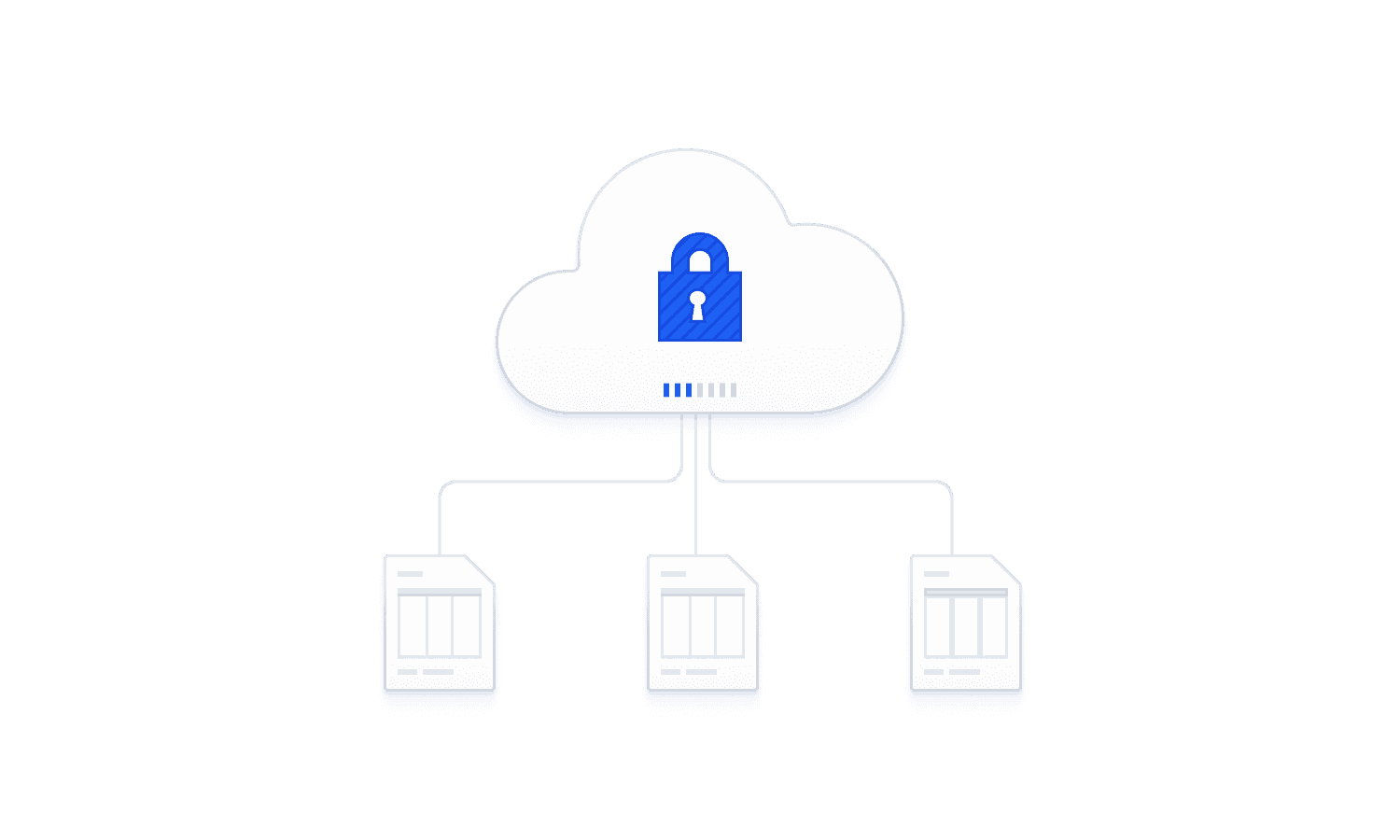
If you choose the cloud option, your files are encrypted on upload and automatically deleted within 24 hours. Nothing is stored, nothing is retained.

Built by Banking Experts
Built by a team that has worked in the banking industry. We understand client confidentiality and the trust your clients place in you.
FAQ
Answers to Your Questions
How is this different from other bank statement converters?
Docubrew offers both a desktop app for local processing and an encrypted cloud option. Most alternatives are cloud-only. If you need control over where your data is processed, that flexibility matters.
Does it work with QuickBooks and Xero?
Yes. For QuickBooks you can export a QBO file and upload it straight to the bank feed. For Xero, Sage, FreeAgent, FreshBooks, and most other accounting software, the CSV imports directly. If you would rather work in a spreadsheet first, take the Excel workbook. Either way it is a clean import, not a live connection, so you stay in control of what goes into the books.
What file format do I get?
Docubrew can export in Excel workbook, CSV and QBO format. Exported files are ready to import into QuickBooks, Xero, FreshBooks and most other accounting software.
Do you use AI?
No. Docubrew reads your statements with rule-based parsing, not AI. The same statement always produces the same result, and your data is never sent to a machine learning model or used for training. For client work, that predictability is what matters.
Does my data get sent to your servers?
That's up to you. If you use the desktop option, your data never leaves your computer, since everything is processed locally. If you use the cloud option, your files are encrypted during upload and automatically deleted within 24 hours. Nothing is stored long-term.
Which banks are supported?
Docubrew supports many banks such as Chase, Bank of America, Wells Fargo, Citi, US Bank, PNC, Truist, Capital One, TD, Fifth Third and many more. A smart fallback parser handles many bank statement formats, and new banks are added on a regular basis.
How accurate is the conversion?
Docubrew is near-perfect on digital (text-layer) PDF bank statements, the kind you download straight from Wells Fargo's website. Every conversion ends with a preview step, so you can check the rows before you download. Nothing reaches your books unseen.
What if my bank isn't supported, or a statement doesn't convert correctly?
If a statement doesn't come out right, use the "Report" feature in the app and we'll convert that statement for you at no charge, and we delete it once it's done.
