Insight
The Best Online Bank Statement Converters for Bookkeepers (2026)

Anson

You might already run a converter every month, and lately it keeps costing you cleanup time. Or you're still keying statements in by hand and have decided this is the last month you do that. Either way, you land in the same place: a screen full of browser tabs showing products that look more or less alike. Most lead with an accuracy percentage. Nearly all of them run the same before-and-after screenshot of a PDF turning into a tidy spreadsheet.
What none of those pages tell you is whether the tool reads a Truist statement correctly, or hands back a file QuickBooks Desktop will accept, or deletes your client's statement once it's done. Those are the questions that decide which one you should be using, and they're the ones the homepages skip.
Five tools come up again and again for US statements: BankStatementConverter.com, CapyParse, DocuClipper, Rocket Statements, and Lido. We've added a sixth, Docubrew, which we make and which launched in July 2026. It's too new to appear in anyone else's roundup, so we've put it in ours and given it the same treatment as the rest, cons included.
There's no single winner here, and anyone telling you otherwise is selling something. What's best depends on the formats you need, whether your statements are scanned or digital, and whether you want a converter or a platform. So treat this less as a ranking and more as a guide to what each one is actually good for.
What separates one online bank statement converter from another
The marketing pages don't differentiate because the real differences aren't in the marketing. Four things decide which online tool fits your work.
Extraction approach. AI reads whatever layout it's handed, including a bank nobody configured for, and it handles scans. Rule-based parsing is written per bank, so it covers fewer banks but doesn't reinterpret the page each time you run it. Most of these tools lean on AI. BankStatementConverter.com and Docubrew are the rule-based two.
Output formats. CSV covers QuickBooks Online and Xero if you don't mind mapping columns. QuickBooks Desktop wants QBO or IIF, and only some of these produce one.
What happens to the file. This is the axis people check last and regret checking last. Retention runs from deleted within a day to sitting in your account until you go and delete it yourself.
Bank coverage. Several of these tools are sold worldwide. A published list of 1,000 banks doesn't help if your client banks with a regional credit union that isn't on it.
Keep those four in mind. The rest of this guide is those four questions applied to each tool.
The single-job converters
These do one thing: turn a statement into a file you can open. No document management, no client portals, no analysis layer. If what you want is the rows out of the PDF and nothing else, this is the shorter, faster lane.
BankStatementConverter.com
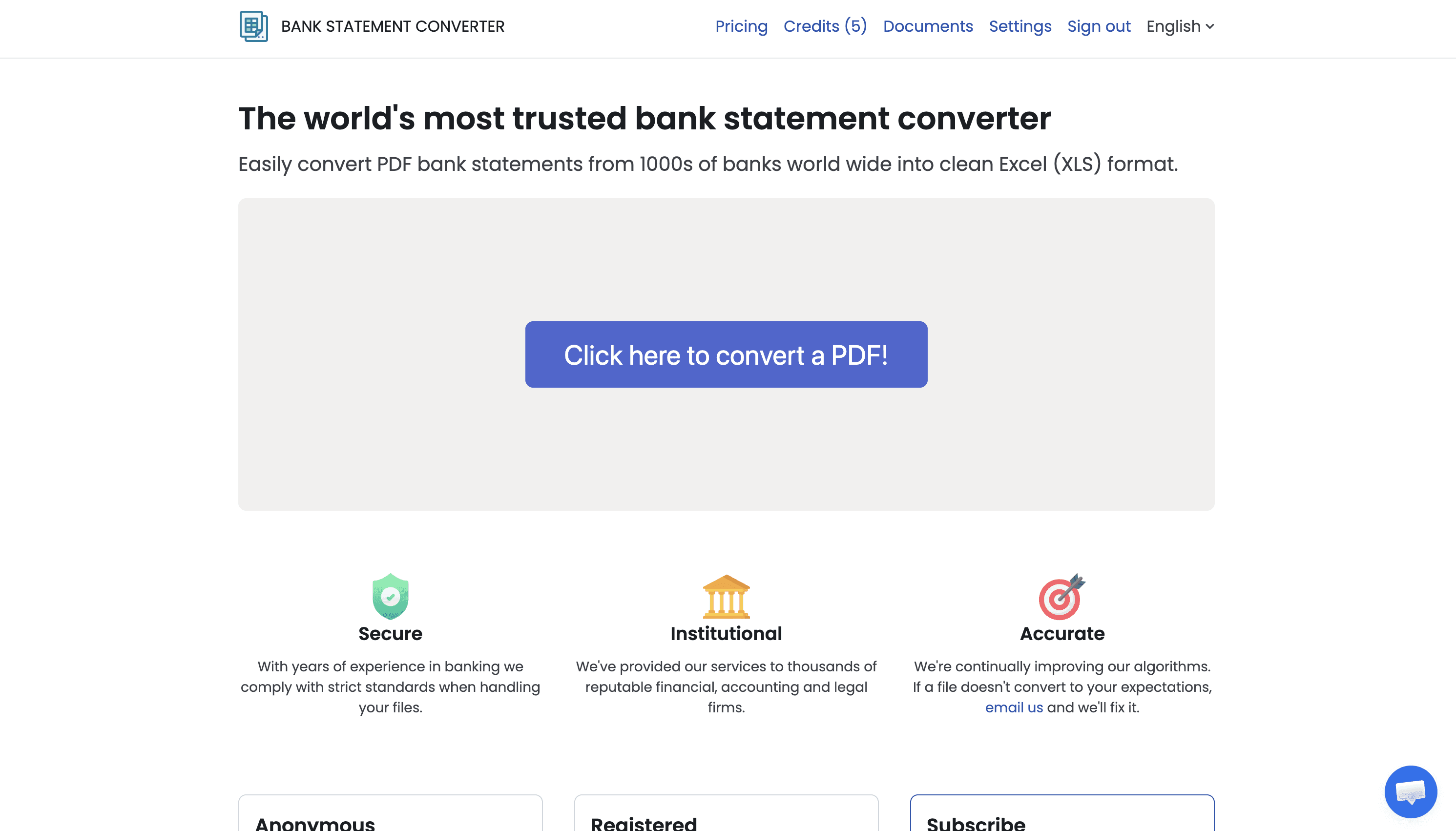
Running since April 2021, and the about page tells a familiar story. The developer wanted to look at his own spending, his bank only gave him PDFs, so he wrote code to pull the transactions out and put it on the web. It's rule-based parsing with OCR for scanned pages, no AI in it, with Excel and CSV out and a public API.
The support model is both the best thing about it and its main limit. In one blog post he walked through a customer whose statement converted with every amount negative, traced it to column headers ending in minus sign characters, and showed the fix. When something breaks, you're dealing with the person who wrote the code. You're also dealing with a company that is one person, with one person's capacity.
Pros
Longest track record here, live since April 2021
Free tier is usable for a one-off job, and the first page needs no account
Rule-based, so the same file gives the same result
Public API for wiring conversion into your own workflow
Problems go to the person who wrote the parser
Cons
No QBO, OFX, or IIF output for QuickBooks Desktop workflows
Bank coverage is described broadly rather than published as a list, so test your banks first
No published security certification
Support depth is what one person can offer
Interface is spartan next to newer tools
This is the pick for the occasional job on a clean digital PDF where you want something that works and nothing to set up. Less so if you need accounting-native files or a vendor with a support team behind it.
CapyParse
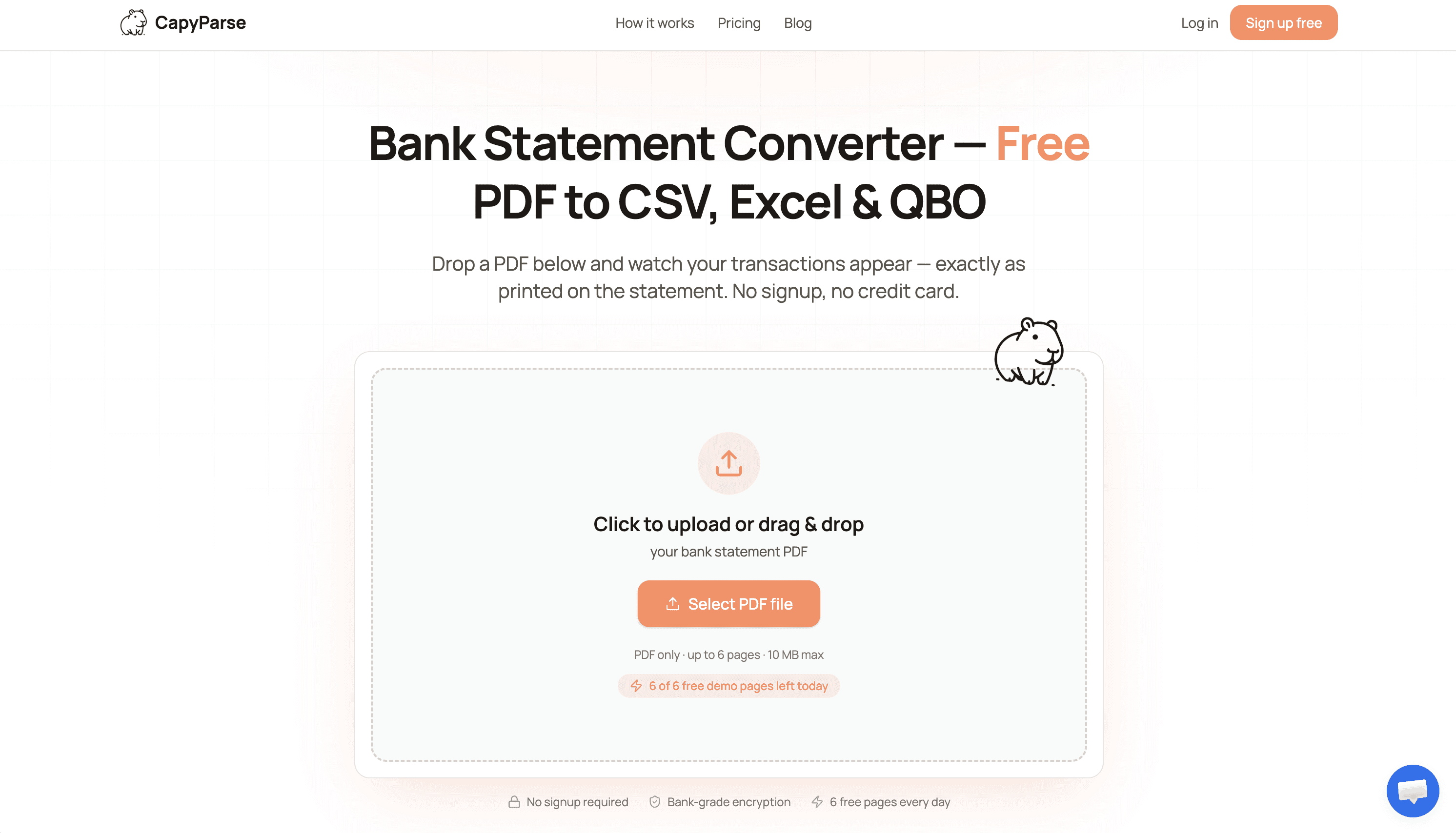
CapyParse does one thing the others don't: it tells you which rows it wasn't sure about. AI extraction with built-in OCR pulls the transactions, then every field gets a confidence score and sits next to the original PDF in a review screen, linked back to the part of the page it was read from. Totals are checked against the printed statement before export, and consolidated statements are split automatically, so a PDF covering five accounts becomes five clean tables.
That matters because of the way extraction usually goes wrong. It rarely fails in a way you'd spot. It hands back a figure that's wrong but entirely plausible, and the trouble isn't the figure, it's that you have no idea which rows deserve a second look. Confidence scores turn checking two hundred rows into checking two.
Pros
Best review experience here, with confidence scores grounded back to the source PDF
Totals verified against the statement before export
Multi-account statement splitting done automatically
QBO, OFX, and QFX exports for QuickBooks workflows
Free browser tools and a no-signup demo make it easy to test on a real statement
Cons
No-signup homepage demo is capped at 6 pages a day, so evaluating a long statement means signing up (capyparse.com, verified August 2026)
No published security certification
Company attention is split between finance and shipping document markets
The review step is the point, so it's slower than tools that just hand you a file
Worth a look if your statements are messy or scanned and you'd rather verify before booking than reconcile after. Overkill if your banks are clean and predictable.
Docubrew
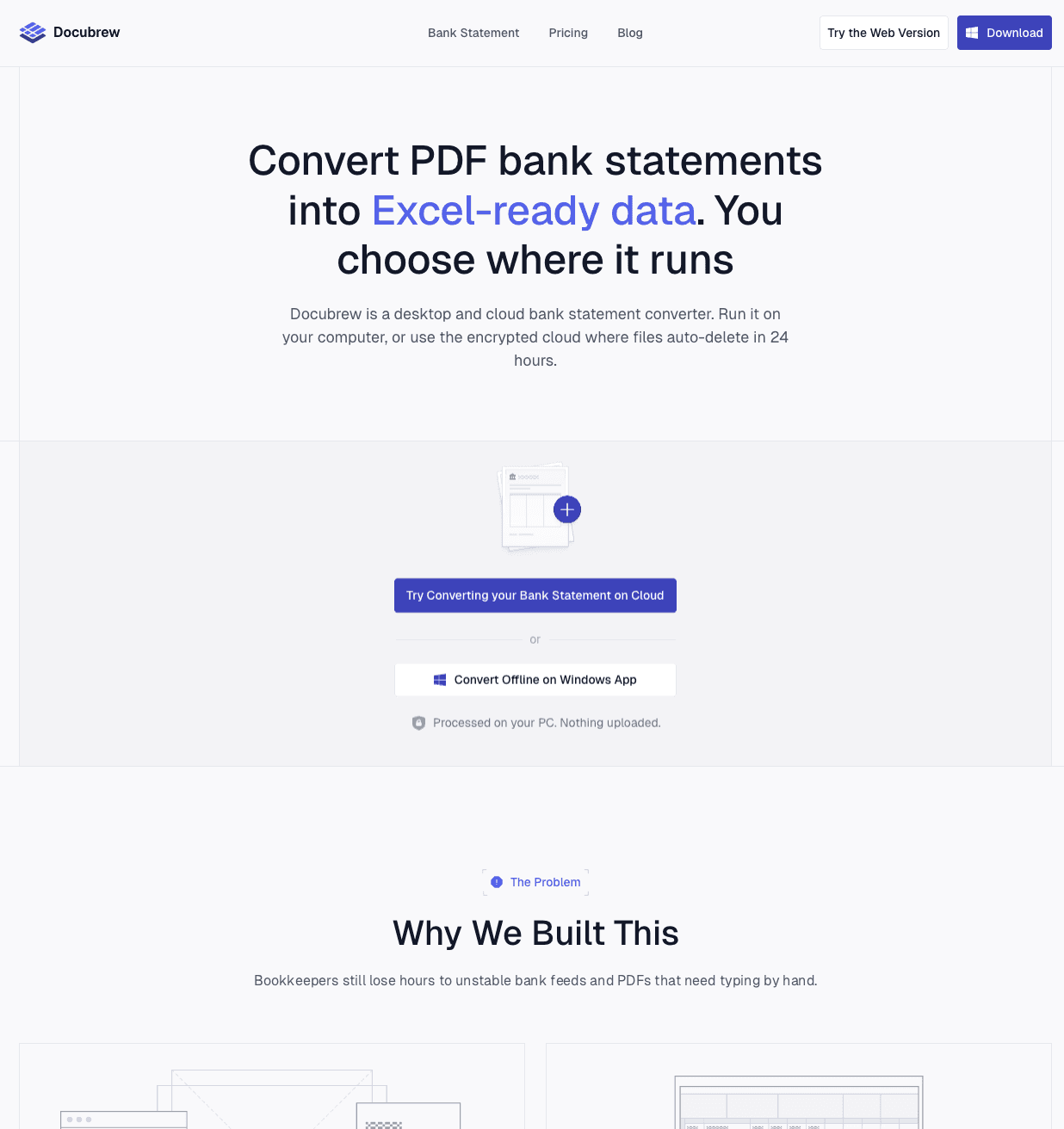
We make this one, so treat it as us pointing at our own thing, and it's the newest tool here. Most bookkeepers converting statements want the same thing: clean data out of the same few banks every month, without buying a platform to get it. That's the case it's built for. Upload the statement, get back CSV, Excel, or QBO with the date, description, and amount each in its own column, ready for QuickBooks, Xero, or FreshBooks. Nothing to configure, uploads deleted within 24 hours rather than kept in an account, and a Windows desktop app if you'd rather the file never left your machine.
The parsing is rule-based, written per bank against real statements from the major US banks, with new ones added as we go and a fallback parser for the rest. Nothing is sent to a model, which is worth something on an ordinary day: a client queries a figure from March, you run March's statement through again, and what comes out is the file you booked from. Being new, we can't point at five years of statements having gone through it, so we do the other thing instead. If a conversion comes back wrong, send us the statement and we'll convert it for you at no charge.
Pros
Upload, get a clean CSV, Excel, or QBO, nothing to set up
If a conversion comes back wrong, send it to us and we'll convert it for you at no charge
Same input, same output, every run, with no model guessing at your numbers
Parsers built and tested against real statements from major US banks, with more added regularly
Uploads deleted within 24 hours rather than retained in an account
Cons
Text-layer PDFs only. Scanned and image-based statements aren't supported yet, with OCR on the near-term roadmap
CSV, Excel, and QBO only, with no OFX, QFX, or IIF
Bank coverage is focused on the major US banks and still expanding, so check yours before you rely on it
The desktop app is Windows only
The newest tool here, so fewer statement layouts have been through it than tools that have been running for years
Where it fits is the bookkeeper who needs clean data out of a handful of US banks every month and doesn't want to run a platform to get it. If your clients send scans or photos, one of the OCR tools on this list is the better answer today.
The platforms
These three convert statements too, but conversion is one feature inside a larger product. You're buying document management, integrations, and an analysis layer along with it. That's either exactly what you need or considerably more than you need. The most common mistake in this category is buying a platform to solve a converter-sized problem, so work out which side you're on before you subscribe.
DocuClipper
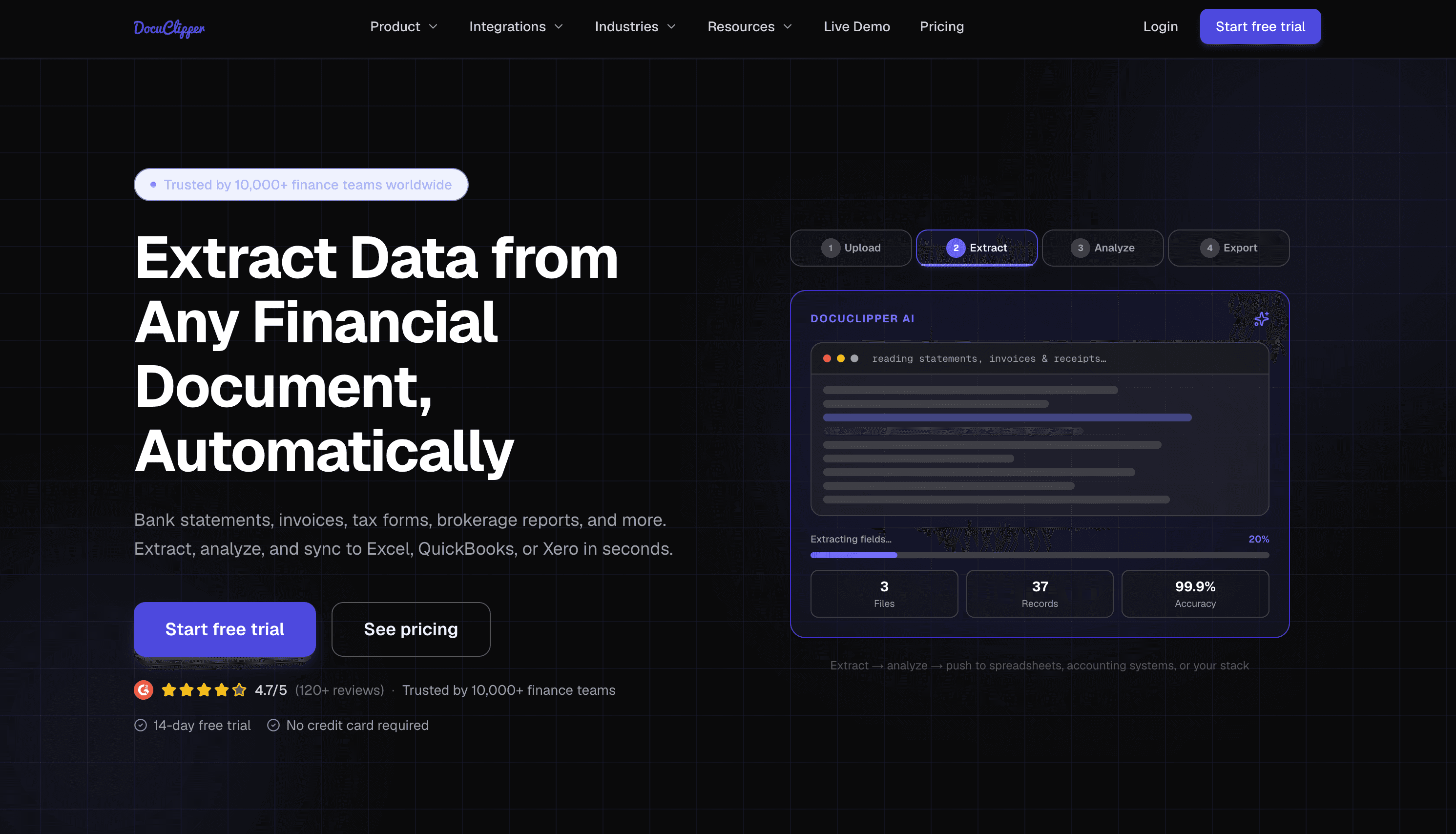
The most established option here and the one most likely to already be in your firm's stack. It's a financial document platform rather than a converter, so statements, credit card statements, invoices, receipts, checks, and tax forms all run through the same AI OCR engine, and the data pushes straight into QuickBooks Online, QuickBooks Desktop, Xero, and Sage. Its FAQ states customer statements aren't used to train third-party AI models.
The feature worth the most here is the reconciliation check. Opening balance plus transactions has to tie to the closing balance before it lets you export, which catches the failure mode where a converter quietly drops four rows off page three and hands you something that looks perfectly reasonable.
Pros
Widest export list: Excel, CSV, QBO, OFX, QFX, IIF, JSON, Google Sheets
Reconciliation check catches extraction gaps before data reaches your books
SOC 2 Type II
Handles receipts, invoices, checks, and tax forms in the same account
Direct integrations rather than download-and-import
Cons
Considerably more platform than you need if you just want a clean CSV
Cloud only, with no local processing option
Categorization, cash flow analysis, and fraud detection add setup you may never use
Statements stay in your account after conversion rather than being cleared out
Buy it if you want one subscription covering every document type you handle, and you need native QuickBooks files at the end of it.
Rocket Statements
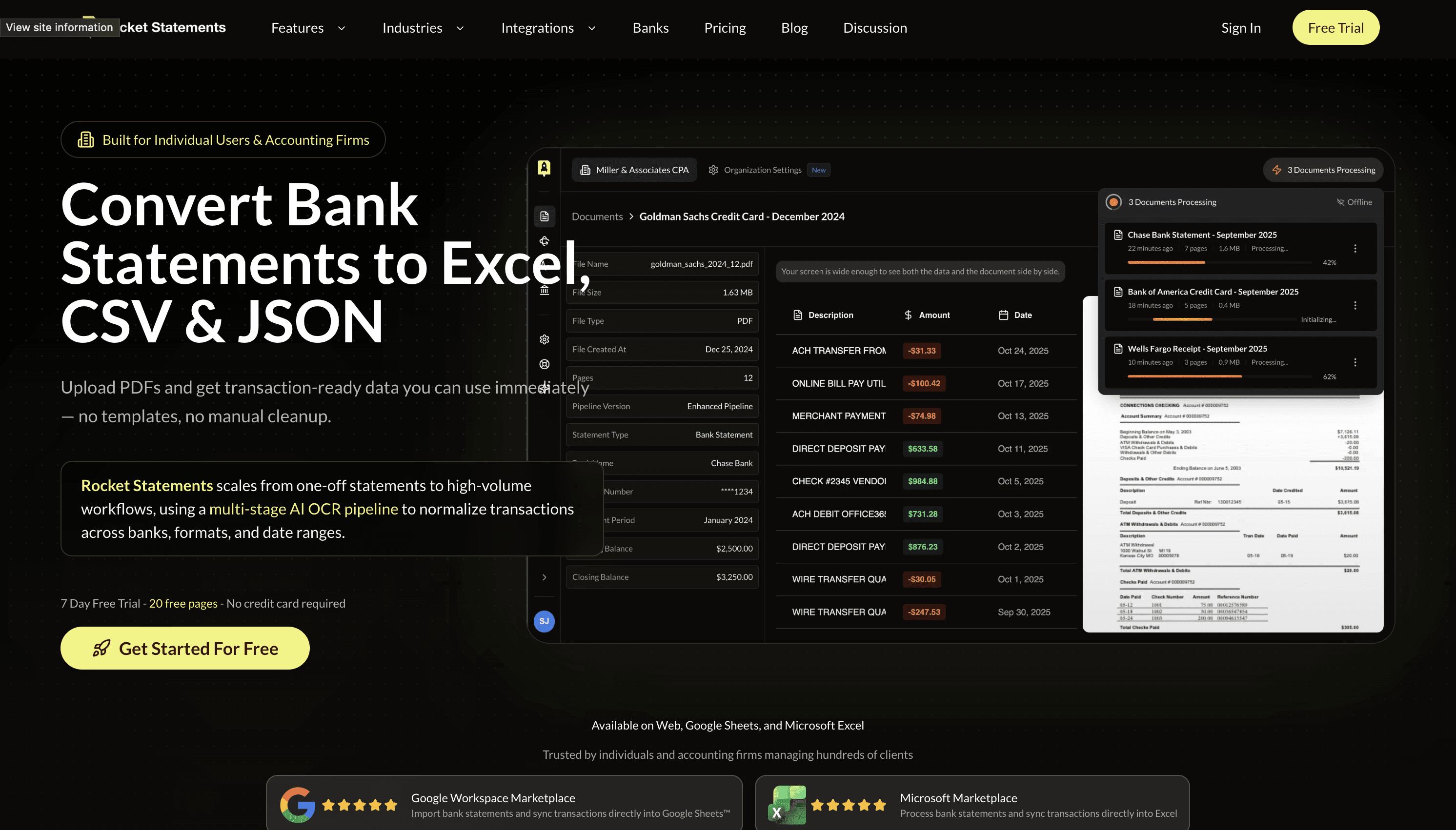
Operated by Broad Arrow Inc, it runs a multi-stage AI OCR pipeline that accepts photos and scans as well as PDFs, with AI transaction categorization on higher plans. What sets it apart is that it doesn't stop at the browser. A Google Workspace add-on and a Microsoft marketplace add-in drop statement data straight into Sheets or Excel, skipping the download and the import.
The rest is built for firms juggling clients: folders and tags by client or account, role-based permissions, client portals for collecting statements, email attachment auto-import. Its bank directory is global, and the US is a small slice of it. Of the roughly 90 institutions on its published list, only about 18 are US, four of them credit unions, with the rest Canadian, Australian, Singaporean, Hong Kong, and UK banks (rocketstatements.com/banks, verified August 2026).
Pros
Best Google Sheets and Excel integration in this group
Client portals and folder structure suit firms handling many accounts
Team roles and shared workspaces
Accepts photos and scans, not just PDFs
JSON export alongside Excel and CSV
Cons
Published bank directory skews international, so US regional banks and credit unions need spot-checking
Security page lists encryption and industry-standard audits but no SOC 2 report
Core features are split across tiers, so the entry plan is a different product from the one in the marketing
Live bank sync and categorization are more than a conversion job needs
Storage is part of the pitch, so files stay put by design
The reason to choose it is the spreadsheet integration. If your working day happens in Sheets or Excel and you're managing statements for a roster of clients, the add-ins drop each conversion straight into your spreadsheet instead of making you download and re-import.
Lido
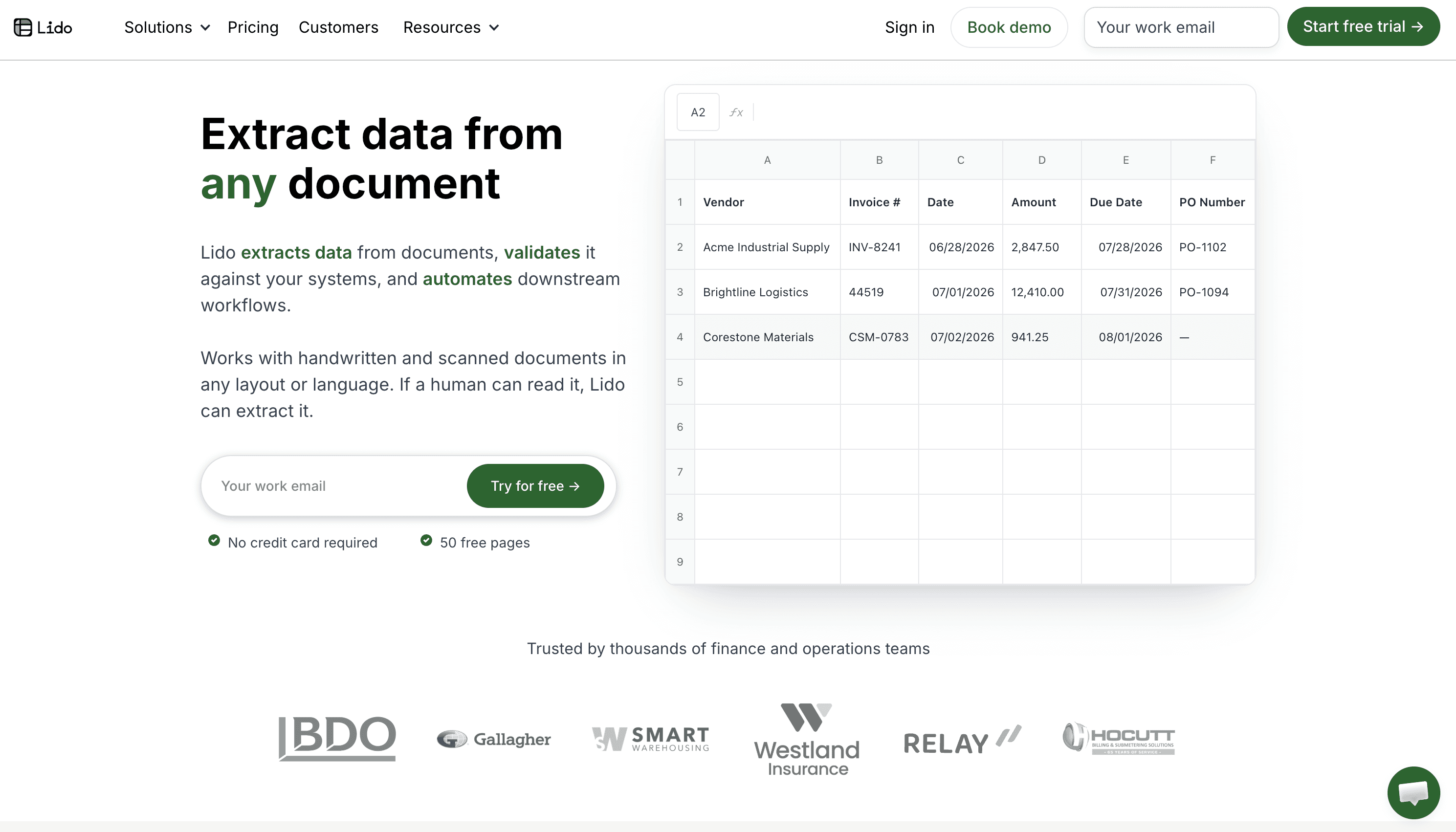
Lido didn't start as a bank statement tool and doesn't pretend to be one. It's a general document extraction platform where statements sit alongside invoices, purchase orders, bills of lading, and healthcare paperwork, all handled by template-free AI extraction with OCR for scans and phone photos.
That history shows in the format list, which is the broadest here and includes Tally XML that nobody else here produces, and in the compliance posture, SOC 2 Type 2 and HIPAA with US data centers and no training on customer data. There's a REST API for teams that want statements processed without a person in the loop. One practical note, stated on Lido's own site: it doesn't work on mobile (lido.app, verified August 2026).
Pros
Broadest format coverage here, including QIF and Tally XML
SOC 2 Type 2 and HIPAA
API and workflow automation for hands-off processing
Handles invoices, POs, and other documents in the same account
No per-bank template setup
Cons
Not statement-specific, so onboarding and support are aimed at ops teams rather than bookkeepers
Desktop browser only
Higher tiers are sales-led with demo booking rather than self-serve
More capability than a practice converting statements for a handful of clients will use
A general-purpose engine means no bank-specific handling when a layout goes strange
Lido makes sense if statements are one document type among several and somebody on your team is going to wire it into a workflow. For a bookkeeper converting a few statements a month, it's a lot of platform to carry.
A note on the accuracy numbers
Every tool here publishes an accuracy figure, and you'll see them quoted in every comparison you read. They're worth almost nothing as a buying signal.
None are independently audited. They're measured by the vendor, on the vendor's test set, using the vendor's definition of a correct field. One vendor on this list publishes 99% accuracy in the title of its main converter page and 99.9% in the body of that same page, which tells you how much precision is really behind the number. Nobody publishes what happens on a two-column credit union statement with a wrapped payee description, which is the case that actually breaks converters.
The number that matters is the one you generate yourself. Take your ugliest statement, the one from the client whose bank formats everything strangely, and run it through two or three of these before you commit. Ten minutes of that tells you more than any number a vendor publishes.
Pros and cons side by side
Tool | Pros | Cons |
|---|---|---|
BankStatementConverter.com | Live since 2021, usable free tier, same result every run, public API | No QBO or OFX, bank list not published, no security certification, one-person support |
CapyParse | Confidence scores grounded to source, totals verified before export, multi-account splitting, QBO and OFX exports | Demo capped at 6 pages, no security certification, review step adds time, attention split across two markets |
Docubrew | Nothing to set up, free re-conversion if one comes back wrong, same output every run, uploads deleted within 24 hours | No scanned PDF support yet, no OFX or IIF, bank coverage still expanding, newest tool here |
DocuClipper | Widest export list, reconciliation check, SOC 2 Type II, covers receipts and invoices | More platform than most need, cloud only, files retained in account |
Rocket Statements | Sheets and Excel add-ins, client portals and folders, team roles, accepts images | Bank list skews international, no SOC 2, features split across tiers, storage-first design |
Lido | Most formats including QIF and Tally XML, SOC 2 Type 2 and HIPAA, API | Not statement-specific, desktop browser only, sales-led at higher tiers, no bank-specific handling |
Which online bank statement converter fits you
Skip the ranking and match the tool to your situation.
Just want clean data out of the same few US banks every month, without paying for a platform to get it? That's the most common case on this list, and it's the one Docubrew is built for. We make it, so weigh that: nothing to configure, the same output every run, and if a conversion comes back wrong we'll convert that statement for you free.
Importing into QuickBooks Desktop and need native QBO or IIF files? DocuClipper, Lido, CapyParse, or Docubrew. BankStatementConverter.com won't get you there.
Handling sensitive client data and want the file gone quickly? Docubrew deletes uploads within 24 hours. DocuClipper and Rocket Statements keep documents in your account, since storage is part of what they sell. Lido and CapyParse delete on request or from the dashboard. Whichever you pick, read the retention policy before you upload.
Clients sending scanned or photographed statements? DocuClipper, Lido, CapyParse, or Rocket Statements. All four run OCR. Docubrew reads text-layer PDFs only until OCR ships.
Want to verify the extraction before it reaches the books? CapyParse, for the confidence scores and the side-by-side review.
Working mostly in Google Sheets or Excel? Rocket Statements, for the add-ins.
Statements as one document type among many, with an API in the plan? Lido.
Occasional one-off on a clean digital PDF? BankStatementConverter.com, free for a page with nothing to set up.
Whatever you pick, the thing you're really measuring against isn't another tool on this list. It's typing the rows in by hand at nine at night because a cleanup landed with two years of statements in it. Any converter that reads your banks correctly turns a week of evenings into an afternoon, and that's the comparison that actually matters. Whichever way you're leaning, run your ugliest statement through it before you commit, and pick the one that got it right.